

The figure is an image
Text selection does nothing, so the browser translator skips the most important part of the article.
 Sincron Screen Tools
Figure, table, caption, footnote: whatever is locked inside the paper's image gets translated in place. You read it in your language without losing track of which axis is which.
Illustrative animation: the app selects part of the screen — a map, an article, a post, an error log or a game — and shows the translation in the same place as the original.
To translate a scientific paper in PDF — including text inside figures, charts, and scanned pages — select the region on screen with Sincron Screen Tools and read the translation overlaid on the original. The Windows app preserves the technical terms, formulas, and references around the text, and it can also summarize the selected section, which speeds up screening dozens of papers during a literature review.
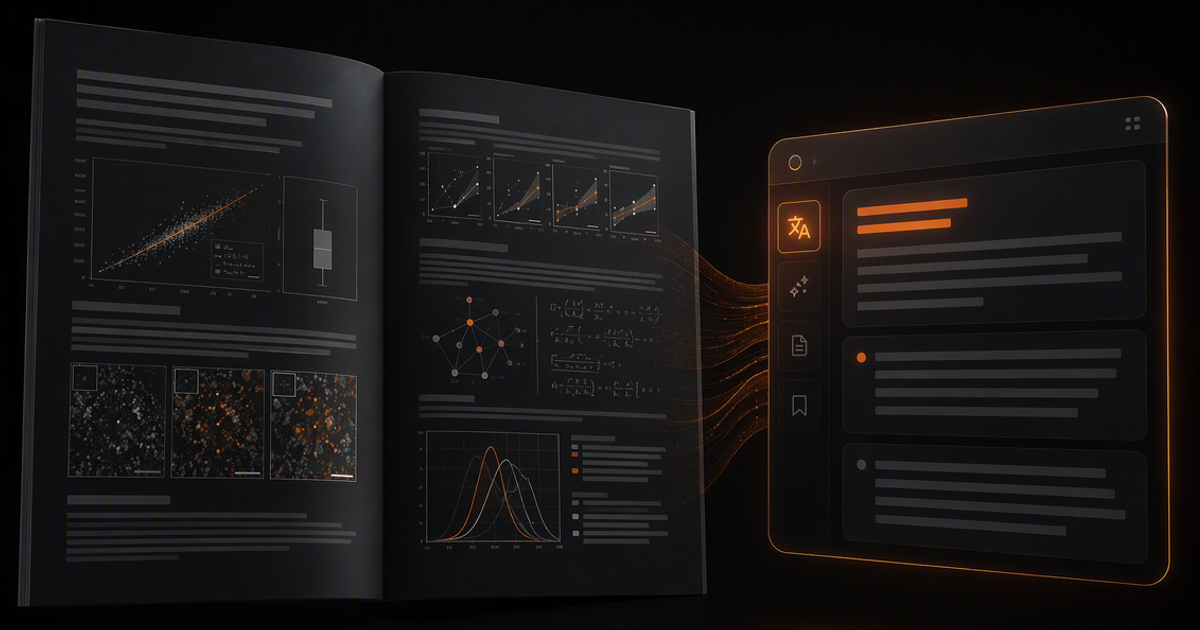
Text selection does nothing, so the browser translator skips the most important part of the article.
Pasting text into another tab separates a number from the column it belonged to. You get the words and lose the table.
Every time you come back to the same chart to write your review, you start reading from zero.
Include axis, legend and footnote in the same selection. The more context inside the frame, the better the AI reads it.
Each label appears translated over its original position. The trend line is still the same line.
The summary says what the figure shows: order of magnitude, comparison between groups, direction of the result — and warns you when a line was unreadable.
Mark the finding with the pen, set the margin in the Studio and save a PNG to paste into your reading notes.
Column, row and unit stay aligned after translation. No scrambled paragraph.
Acronyms, units and method names do not turn into meaningless literal translations.
When a scan is poor or contrast swallows a line, the summary says so instead of filling the gap on its own.
Embargoed papers and unpublished data go from your machine straight to the provider you chose.
| What matters | Traditional flow | With Sincron |
|---|---|---|
| Selectable PDF text | Copy-paste into a translator, losing the layout | Direct on-screen selection, translation in place |
| Figures and charts with captions | Out of reach of copy and paste | Read as images and translated in context |
| Scanned PDF | Needs a manual OCR step first | Reading and translation in one step |
| Literature screening | Reading every abstract in full | Summary of the selected section in seconds |
| Technical terms | Literal translations that mangle the jargon | A summary that explains what the passage claims |
It does. Reading happens from the screen image, not from the file's internal text. If you can see it, you can select and translate it.
Each translated fragment appears at the position of the original text, so an axis label stays next to its axis and a legend stays next to its series.
The summary covers what is on screen. For a full article, select section by section — methods, results, discussion — and stack the readings.
Yes. No content passes through our servers: the selection goes with your key straight to OpenAI or OpenRouter, and no capture is saved unless you save it.
Yes. Reading starts from the image of the selected region, so scanned pages, figures, and tables become translated text without a separate OCR step.
The translation appears over the screen without changing the original PDF. Formulas and references stay visible in the document while you read the explanation beside them.
You select any region you want — a paragraph, a section, or a full visible page — and the summary explains the main content in a few sentences, in your language.
The free plan has no time limit: capturing and annotating are unlimited, and translation and summaries get 5 uses a day each, with your own OpenAI or OpenRouter key. The paid plans (annual or lifetime) remove that limit for long literature reviews; prices are in the pricing section on this page. AI usage is billed separately by your key's provider.
Content last updated in August 2026.
The problem is rarely the language. It is the two-column PDF, with figures, captions and tables, that scrambles the moment you copy it.
Not the same category of tool. One translates text you have; the other reaches text you cannot grab.
Scientific papers, industrial manuals, system panels, online stores. Chinese usually recognizes well — the errors come from two specific places.
The relevant literature is there and the PDF will not cooperate: two columns, labelled figures and, sometimes, blocked copying.
Text trapped inside an image, a thread in another language, a regional meme.
Docs in Japanese, ERP consoles, stack traces, internal dashboards.
Menus, dialogue and speech bubbles that never got a version in your language.
Read text in images, apps and PDFs translated in place, without copy and paste.
Turn charts, tables, and dense interfaces into a short explanation.
Arrows, highlights and text on a screenshot, with background and shadow. Free and unlimited.
Your selection goes straight from your computer to the AI provider you picked — with your key. We do not store the content, we do not train on it and we have no way to read what you translated.
Captured content is never stored. Only the usage counter stays on your computer.
No credit card to try. One payment to unlock.
Annotate with no key · translate with your key
To explore everything.
US$ 0no expiration
Everything unlocked for a year.
US$ 36per year
only US$ 3 a month
Pay once, use forever.
US$ 89one-time payment
Secure payment via Stripe · subscriptions can be cancelled anytime