
김서연
@seoyeon_tyo · 2h
도쿄 3년차인데 아직도 신주쿠역에서는 길을 잃는다. 출구가 200개도 넘는다는 게 말이 됨? 🗼
그래도 결론은 하나: 야마노테선만 붙잡으면 어디든 간다. 오늘의 동선 저장.
1,284 312 96,041
 Sincron Screen Tools
A chat screenshot, post, comment or meme with the text inside the image. On a PC, select the area with Ctrl + Shift + T and the translation appears over the original. On a phone, Google Lens does the job.
Illustrative animation: the app selects part of the screen — a map, an article, a post, an error log or a game — and shows the translation in the same place as the original.
On a phone, open the screenshot in Google Lens or the Google Translate camera and tap Translate: the translated text appears over the image. On a Windows PC, Sincron Screen Tools does the same over any window: press Ctrl + Shift + T, drag over the screenshot and the translation appears in place of each passage, keeping track of who said what. It works with posts, comments, chats and memes, and uses your own OpenAI or OpenRouter key.
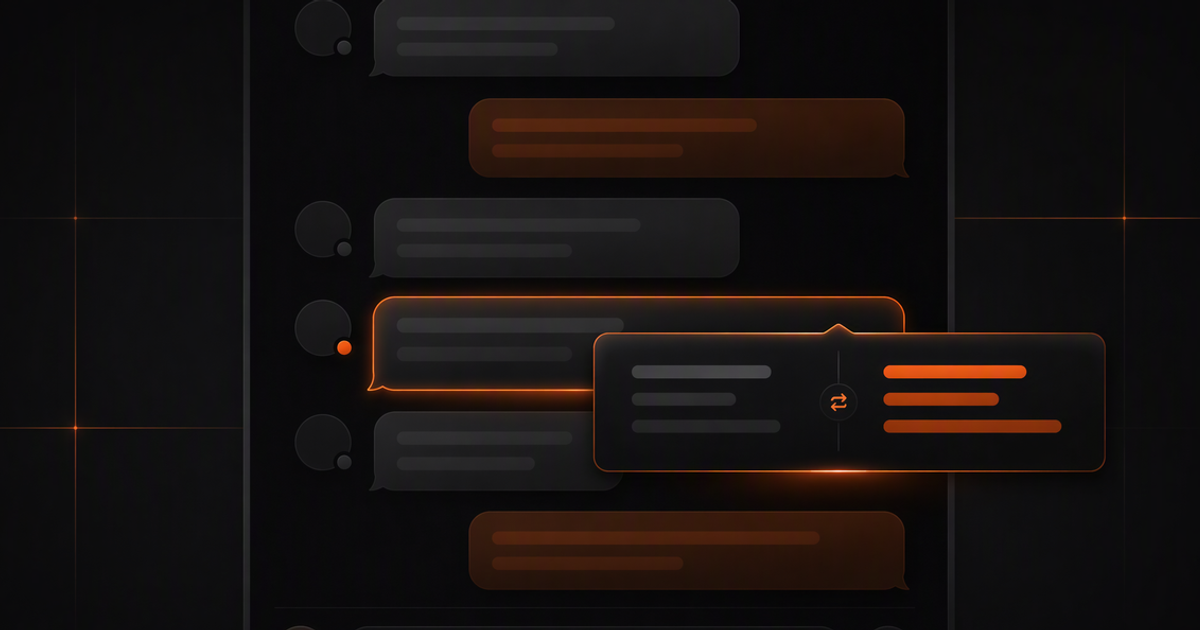
Chat screenshots, news cards and memes have no selectable text. The page translator ignores every one of them.
Opening each post in another tab to translate it breaks the sequence and you forget where you stopped.
Explaining the post to your group takes a screenshot, a crop, a translation and a caption, across four different tools.
Grab the full card: author, text, quoted image. Context helps the translation get the tone right.
The translation covers each passage in the same position, so who said what stays clear. The source language is detected on its own.
With Ctrl + Shift + S, the summary explains the joke, the local reference or the controversy in a card, when a literal translation is not enough.
Copy the translation as text or save the translated image as a PNG, with margin and background, to send to your group.
Chat screenshots, screen captures inside posts and captions burned into pictures all read the same way.
Korean, Japanese, English or Arabic: you do not pick the source language, you just select the area.
The translation opens on top of the browser. No window switching, no losing your scroll position.
The translated image comes out as a PNG with margin, rounded corners and a background, in the format that travels well online.
| What matters | Traditional flow | With Sincron |
|---|---|---|
| Screenshot of a post or comment | Retyping the text into a translator | Select the image, translation in place |
| Long thread or conversation | Translating message by message | One selection covers what is visible |
| Who said what | Easy to lose in detached translations | The translation sits on each bubble |
| Source language | Picking the language for each lookup | Detected on its own |
| Sharing the translation | Screenshot plus pasted text, separately | Saves the translated image as a PNG |
Yes. That is exactly the case page translators miss: reading starts from what is on screen, so screenshots, memes and captures all work.
Use Google Lens or the Google Translate camera: open the screenshot, tap Translate and the text appears translated over the image. Sincron is Windows-only and has no phone version.
It works over any Windows window: a social client, WhatsApp Web, Discord, Telegram, or an emulator running the phone app.
It can, frame by frame: pause on the line and select it. Reading comes from the still image, not from audio, and subtitles that change on their own in real time need another tool, such as Translumo.
No. The selection goes with your key straight to the AI provider you set up (OpenAI or OpenRouter), and Sincron stores nothing.
The source language is detected on its own and the translation comes out in your language. When a conversation mixes many languages, quality depends on your key's model, so check the passages that matter.
Not on its own. To keep it, copy the translation as text or save the translated image as a PNG.
No. You select the area on your own screen, with no manual upload to an online translator. The selection goes from your PC straight to your key's provider.
Content last updated in August 2026.
Translating the post is half the job. The other half is forwarding the screenshot, readable, to someone who does not speak the language.
Both read text inside images. The difference is what each one can reach, and what is left after the translation.
Games, webtoons, social posts, online stores. Hangul is the easiest of the three Asian systems — and it still has two traps.
Charts, tables and captions the PDF will not let you copy.
Docs in Japanese, ERP consoles, stack traces, internal dashboards.
Menus, dialogue and speech bubbles that never got a version in your language.
Read text in images, apps and PDFs translated in place, without copy and paste.
Turn charts, tables, and dense interfaces into a short explanation.
Arrows, highlights and text on a screenshot, with background and shadow. Free and unlimited.
Your selection goes straight from your computer to the AI provider you picked — with your key. We do not store the content, we do not train on it and we have no way to read what you translated.
Captured content is never stored. Only the usage counter stays on your computer.
No credit card to try. One payment to unlock.
Annotate with no key · translate with your key
To explore everything.
US$ 0no expiration
Everything unlocked for a year.
US$ 36per year
only US$ 3 a month
Pay once, use forever.
US$ 89one-time payment
Secure payment via Stripe · subscriptions can be cancelled anytime